By topic
The most straightforward way to communicate with the digital twin is to query the state of a topic. The description of the tools to get or set the value of a topic are as follows:
| tool | description | Parameters |
|---|---|---|
| get_topic_value | Get the value of a topic that includes dots, like weather.paris.temperature. | topic:string |
| set_topic_value | Set the value of a topic that includes dots, like set weather.paris.temperature to 20. | topic:string, value:string|number|array |
Get a value
For example, craete a new topic pump.gardena.status with value 0. You can now query the value via the chat interface.
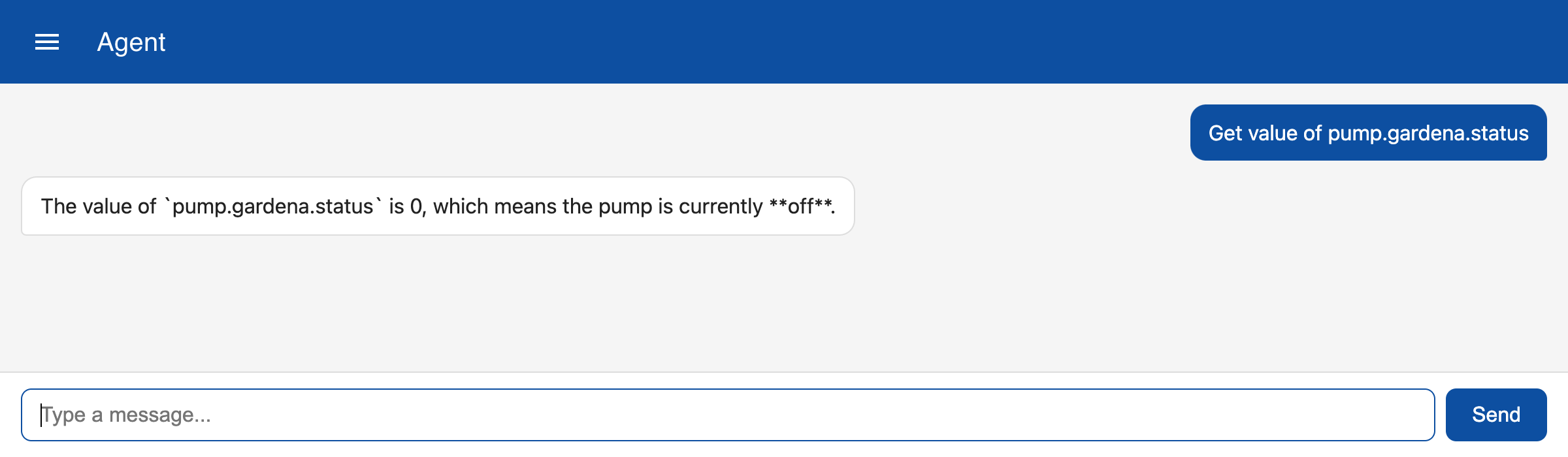
Note that the agent knows that status 0 means off and status 1 means on because this information has been provided with the tool description.
Set a value
To set a topic value you have to name the topic and the new value.
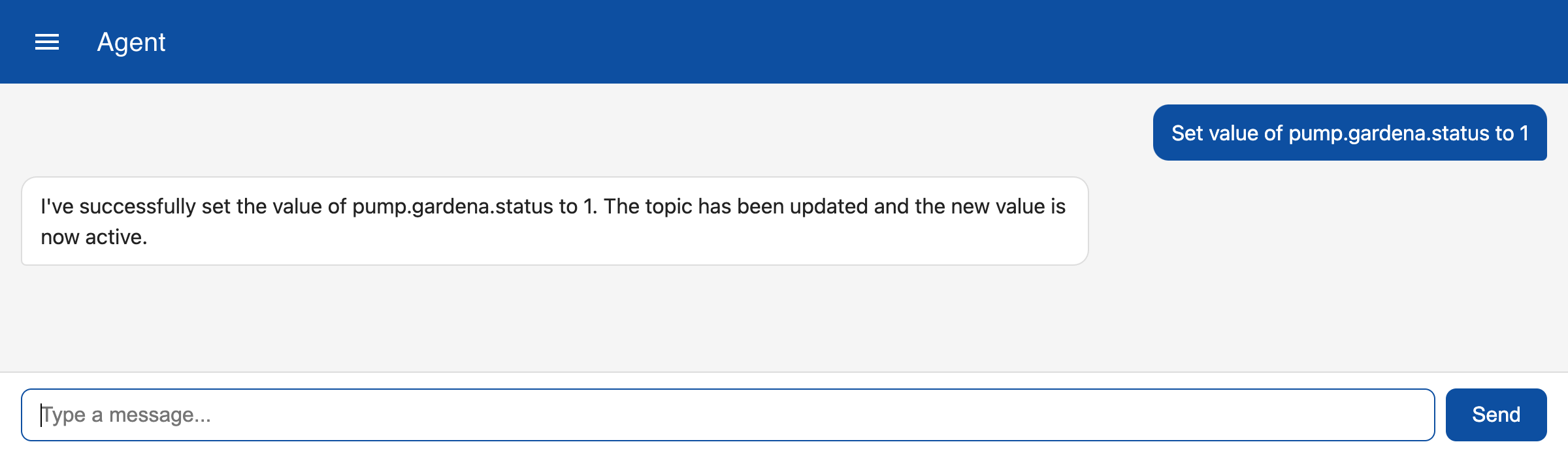
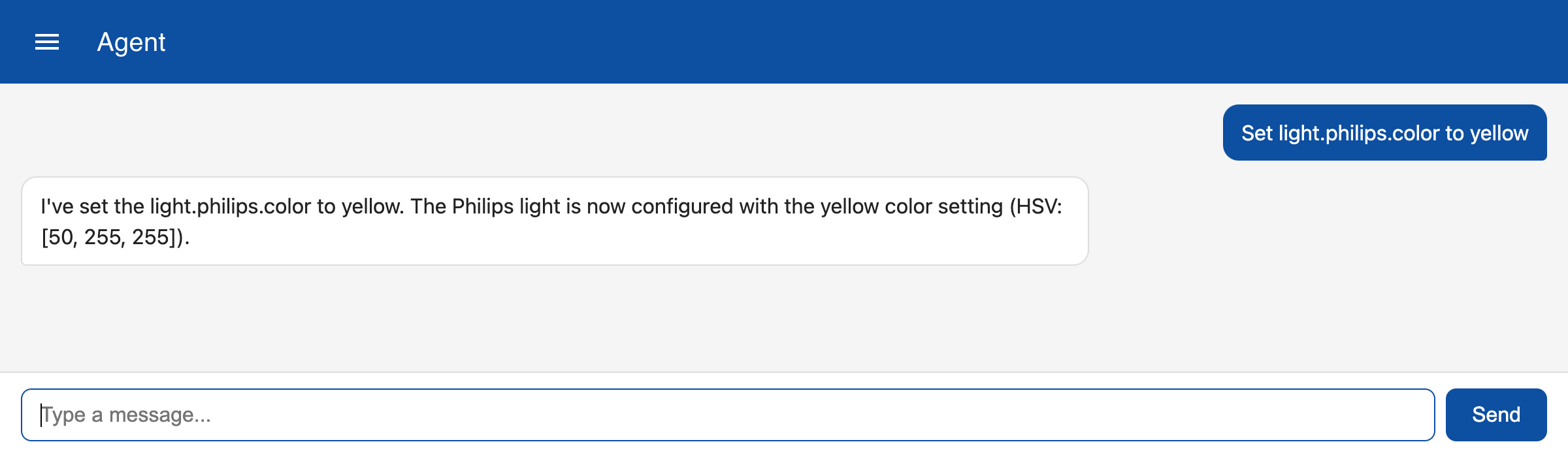
The tool description also contains information that colors are stored as an array of three values for hue, saturation and value (brightness). To set a color you can just specify the name of the color and the LLM will convert if to the HSV array.