By filter
To query or update the state of multiple devices you can search items that have certain properties such as a location, type or system. You can also set multiple devices by entering a message like 'Turn on all irrigation devices in the garden'.
| tool | description | Parameters |
|---|---|---|
| get_by_filter | Use this tool to get the value of a parameter that matches filter criteria like location is 'garden' or system is 'irrigation'. Multiple filters are combined with AND. List all topics that have been changed. | filters key:string, value:string , parameter:string |
| set_by_filter | Use this tool to set the value of a parameter that matches filter criteria like location is 'garden' or system is 'hvac'. Multiple filters are combined with AND. | filters key:string, value:string , parameter:string, value:number |
Topics
The following example shows two pumps and a light. The pumps belong to the 'system' called 'irrigation'. All items also have a 'location', such as 'garden' or 'roof'.
pump.gardena.location = garden
pump.gardena.system = irrigation
pump.gardena.status = 0
pump.dab.location = roof
pump.dab.system = irrigation
pump.dab.status = 0
light.philips.status = 0
light.philips.location = garden
light.philips.system = lighting
light.philips.color' = [0, 128, 255]
Single filter
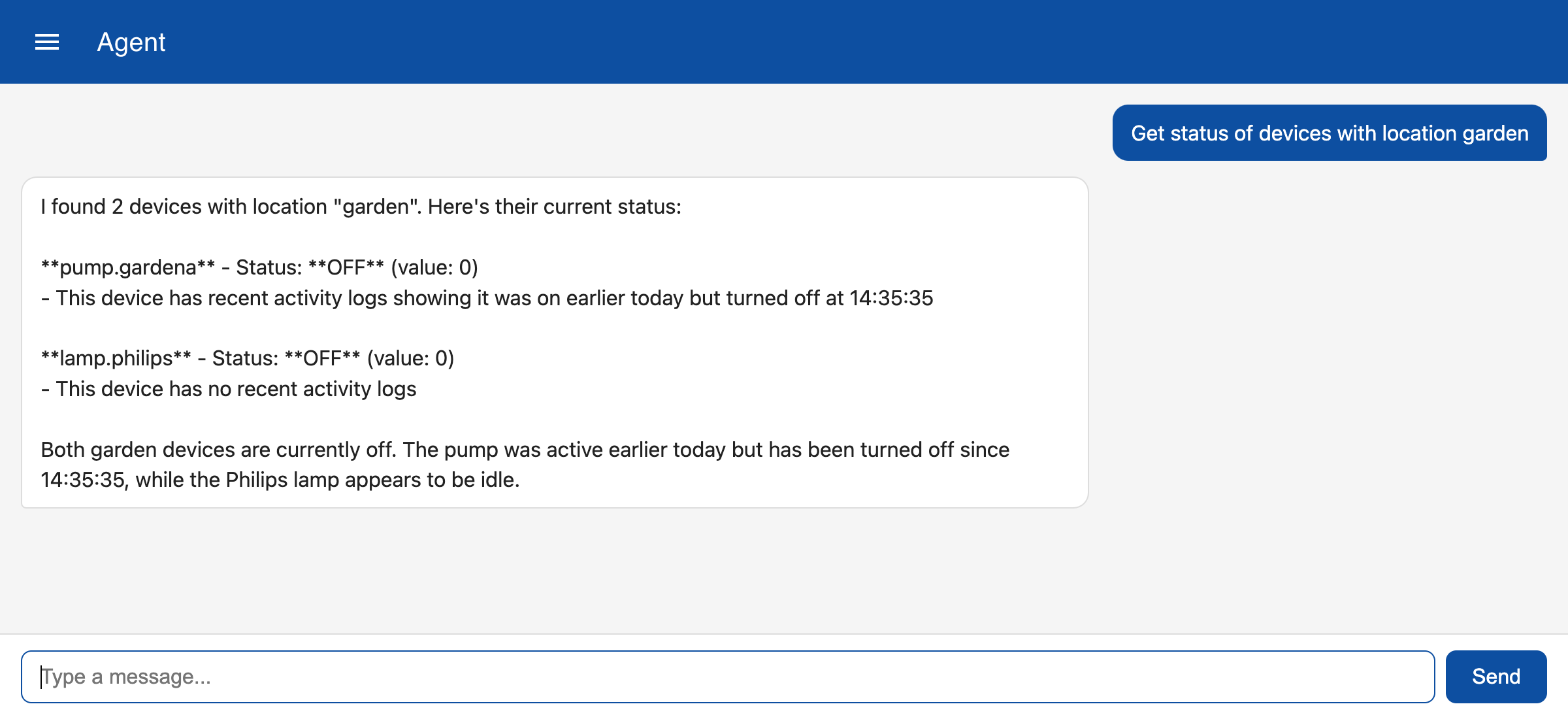
To show the status of all devices in the garden you can enter the message 'get status of devices with location garden'. The LLM will now call the 'get_by_filter' tool and create a filter for the subtopic 'location' with a value 'garden'. This will trigger a query on the database to search for items that have a subfield 'status' and a subfield 'location' that matches 'garden'.
Multiple filters
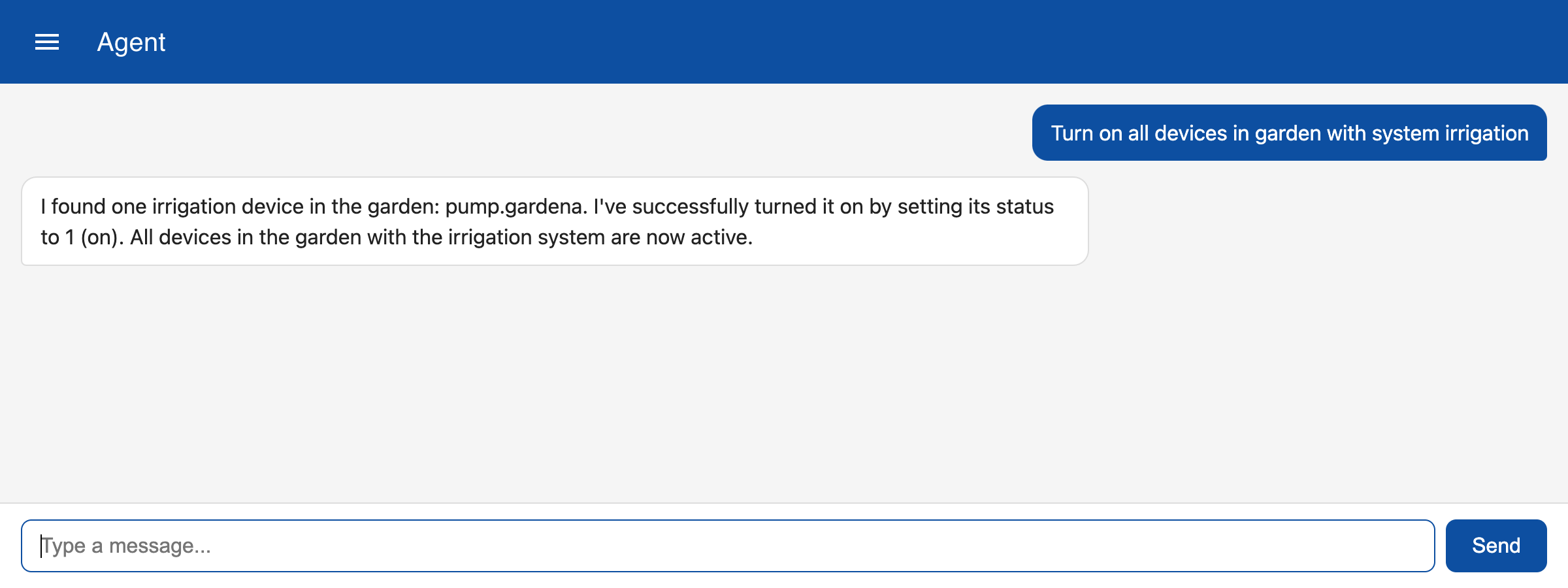
The following example show how you can speficy multiple criteria to select and turn on devices. In this case the tool will search for devices that have location 'garden' and system 'irrigation'. The LLM transforms the 'Turn on' to the parameter 'status' and value '1'.