By name
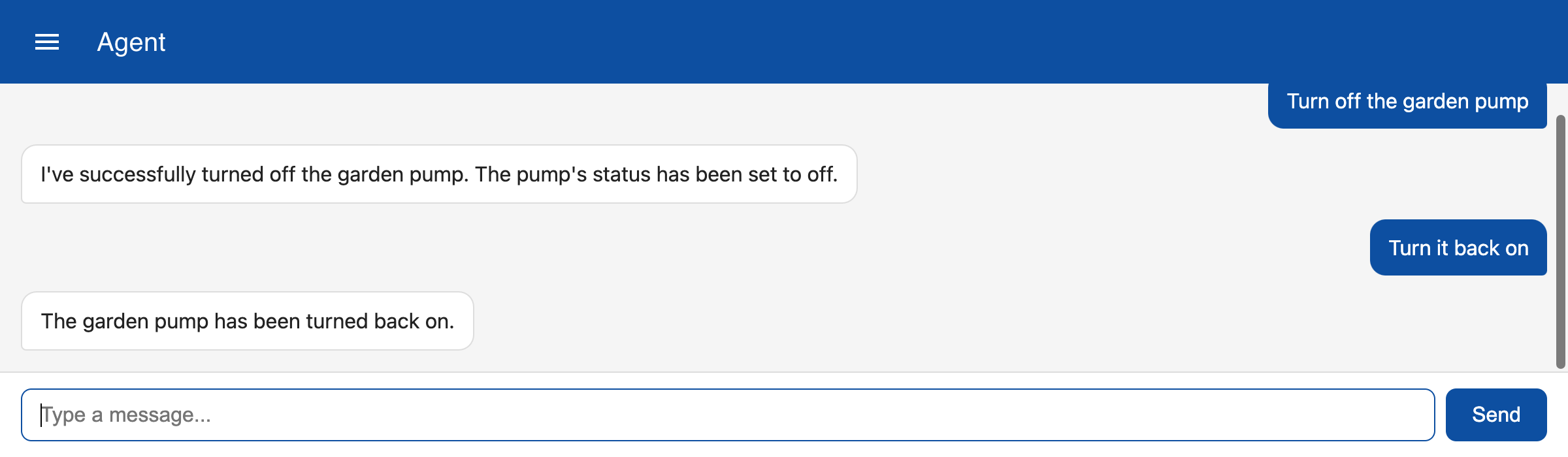
Instead of using the full topic name you can also refer to an item by a specific name like 'Garden pump'.
| tool | description | Parameters |
|---|---|---|
| get_item_parameter | Use this tool to get the value of a parameter of an item that does not include a dot. The tool finds all topics with a subtopic called 'name' that matches the name. | name:string, parameter:string |
| set_item_parameter | Use this tool to set the value of a parameter of an item that does not include a dot. The tool finds all topics with a subtopic called 'name' that matches the name. | parameters: name:string, parameter:string, value:string|number|array |
Name subtopic
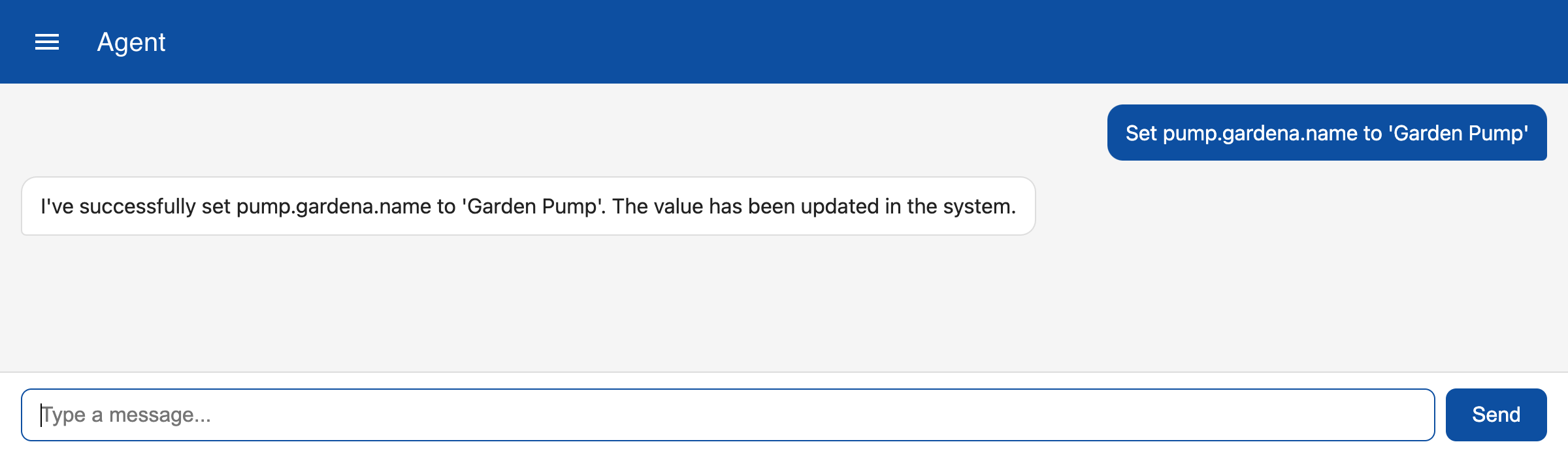
To refer to an item by name you first need to make sure that the item has a subtopic 'name'. For example, you can add a new topic that has the name of a pump:
Set parameter
Instead of using the full topic name you can now refer to this item by its name.
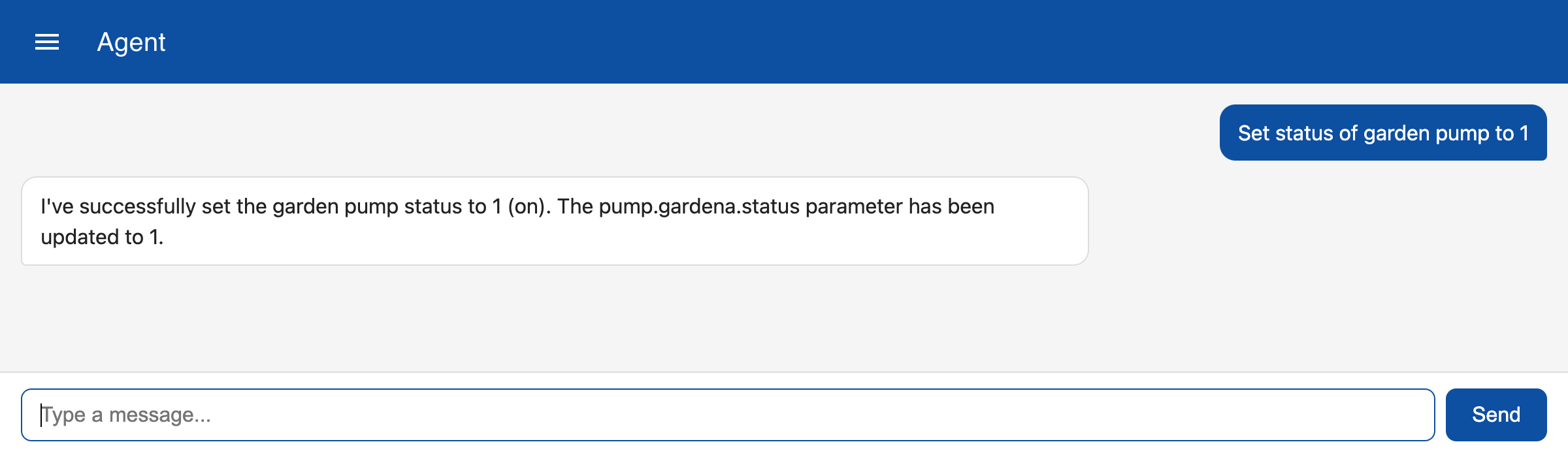
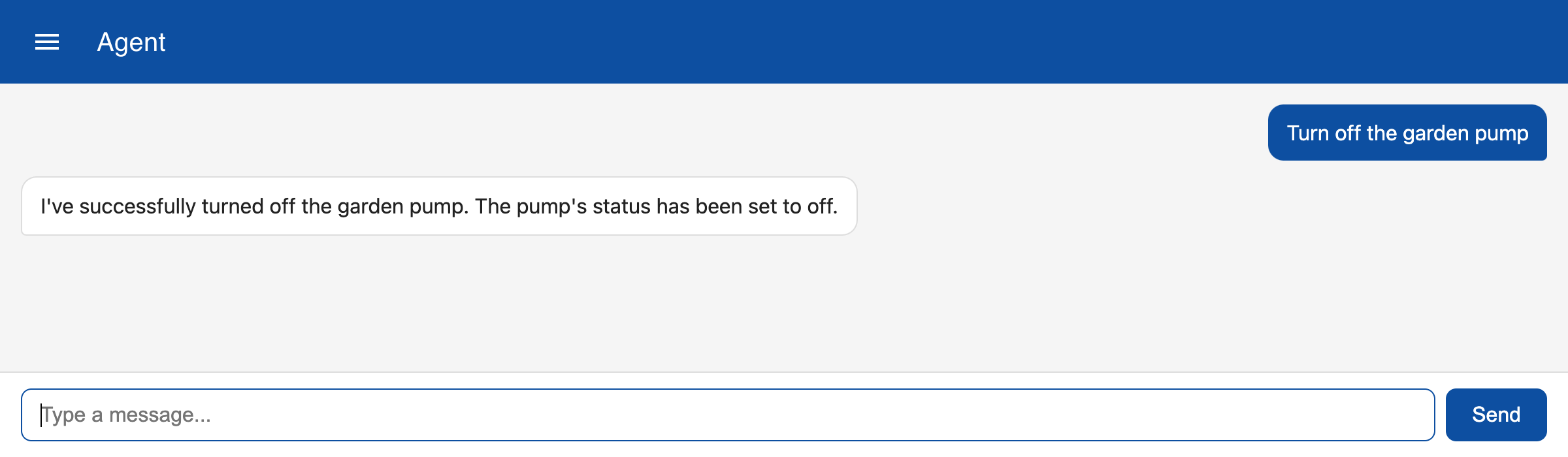
In the general description of the agent we have specified that the 'status' field is used to set a device 'on' or 'off' and that '1' means 'on'. To turn off the pump you can enter:
The agent remembers the context of the current session. So if you refer to the pump as 'it' it knows what item you are referring to.