Schedule
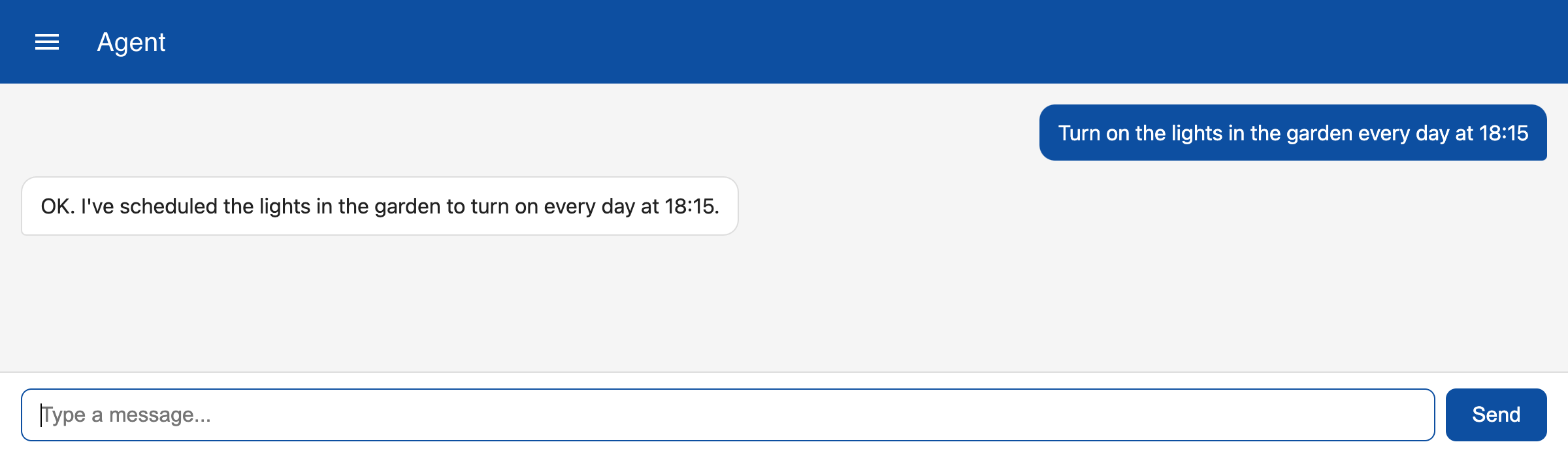
To schedule a task you can specify a date and time. The schedule tool extracts the scheduling information and creates and automation entry of type 'script'. For example, to create an automation to turn on lights at a certain time you can enter the following:
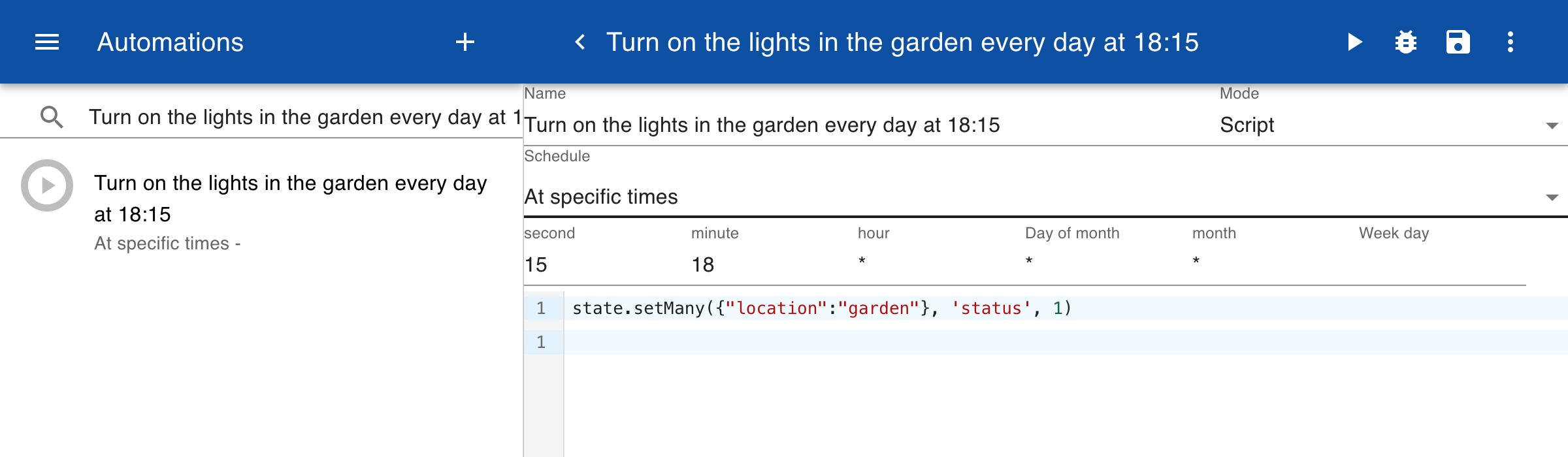
The schedule information is entered in the schedule of the automation. The task is stored as a JavaScript script that is executed when the schedule triggers.
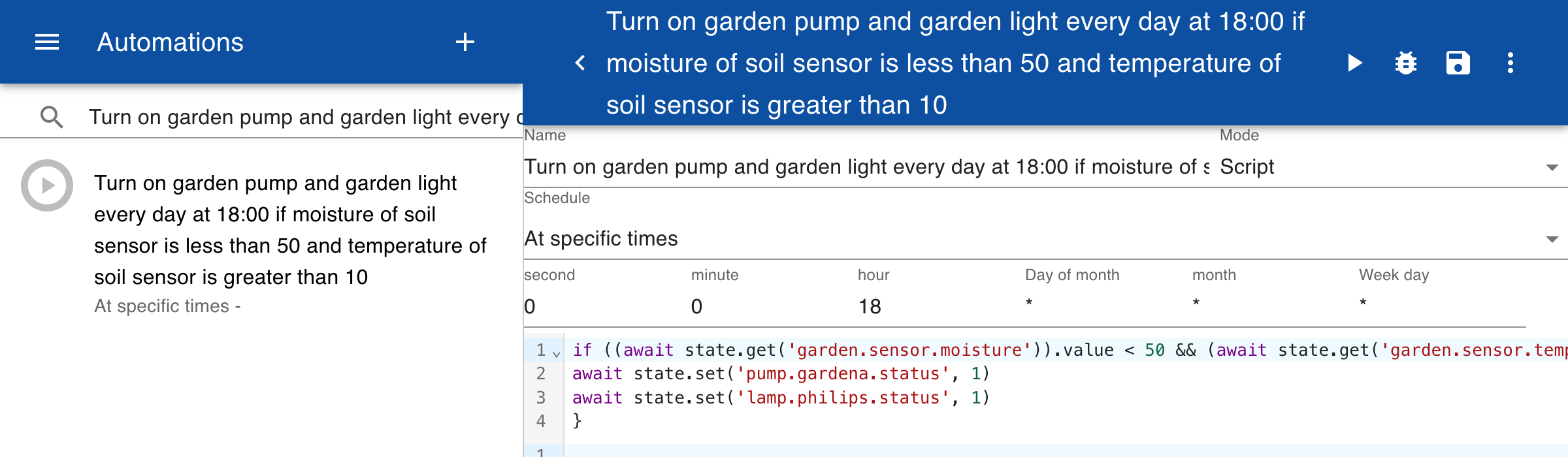
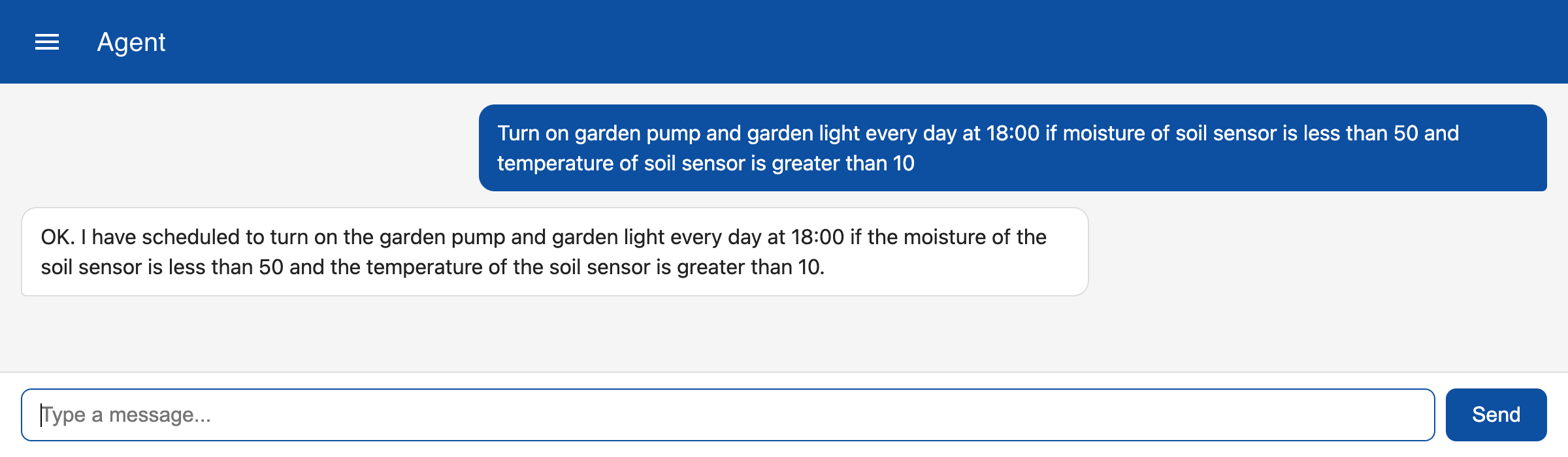
The example below shows a message to turn on multiple devices and also contains multiple conditions.
The actions described in the message are converted to JavaScript statement and stored in the automation. The LLM integration is only used for creating the script for the automation, not everytime the automation is triggered. This means that no LLM tokens are needed and that the action is always consistent and quickly executed.